Find your way in airports with Mapofairport
Would you like to stay one step ahead during your travels, avoid getting lost in crowded and complex airports, and avoid wasting time during connecting flights?
If you are a frequent flyer, especially if you have connecting flights or have trouble finding the right gate in large terminals, you’ve come to the right place. Mapofairport helps you determine your route within the airport and discover the services available.
The complex layout of large airports can be stressful, especially when connecting flights. You may lose your way among terminal changes, different gates, waiting lounges, shops, and restaurants.
Mapofairport eliminates this stress with up-to-date airport maps.
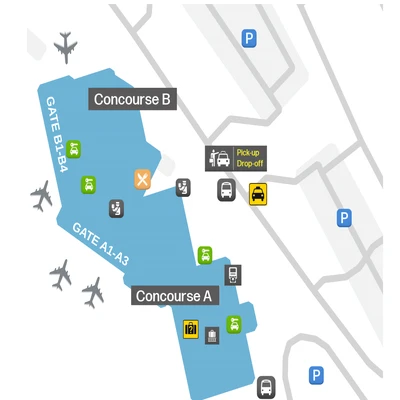
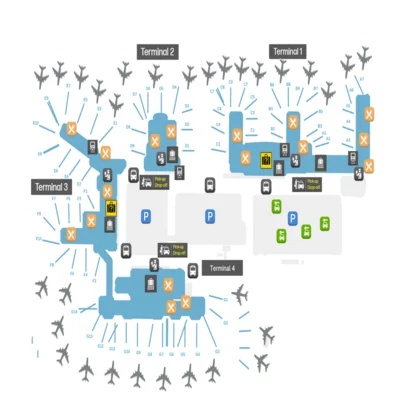
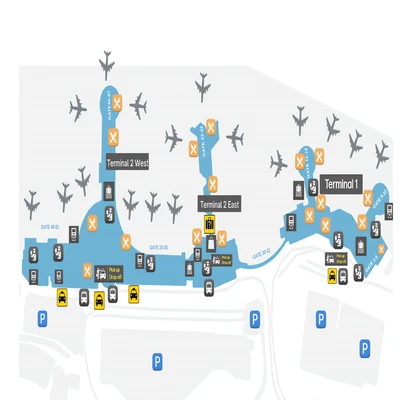
Navigate airports with detailed terminal maps
You can explore the layout of each terminal in detail. You can see shops, duty-free areas, VIP lounges, and more on these maps. This allows you to make the most of your time at the airport and eliminate stress from your trip.
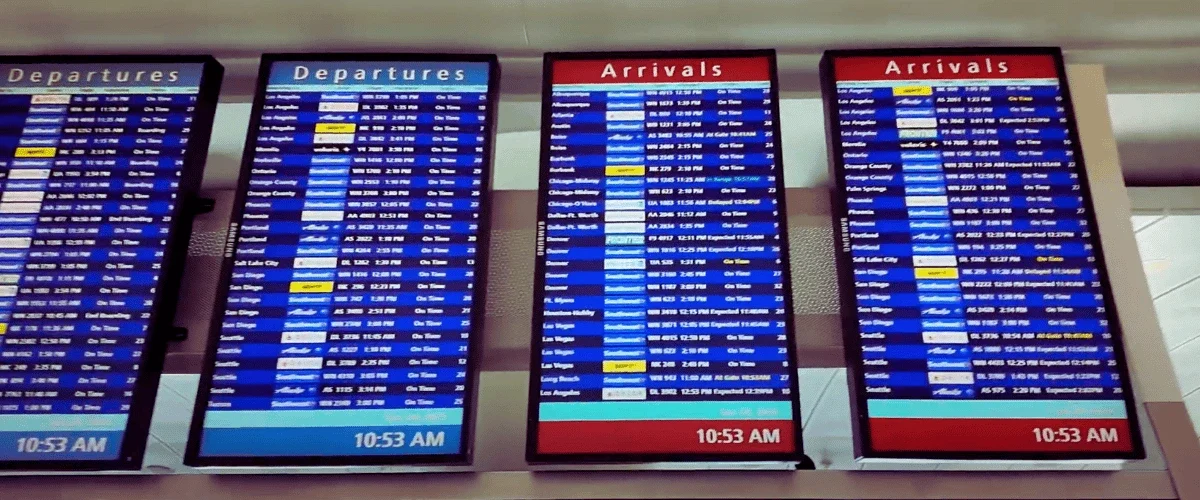
Mapofairport minimizes uncertainty in travel planning. You can make the most of your time at the airport. If you have a connecting flight, you can see the gate you need to board your flight from the maps. If you want to take a coffee break in the passenger lounge, you can find the nearest café right away.
Another important feature of Mapofairport is that it shows the location of the airport and transportation options to the city center. Some airports are located far from the city center. Choosing the right public transportation, taxi stands, or transfer services can sometimes be confusing. When you select your airport on Mapofairport, you can get information about different transportation options in addition to location information.
Finding your way here is quite simple! All you have to do is select the airport you are departing from or arriving at. Once you have made your selection, you can view a detailed map of the airport. On this map, you can see the connections between terminals, the locations of services and cafes, security checks, and waiting rooms.
If you know which gate your flight is departing from, you can create your route on the map. Additionally, public transportation stops and taxi stands located at the airport exit are also shown on the maps.
The only thing you need to do to find your way around the airport is to select your airport. This will give you access to the most accurate airport map showing the layout of the airport and how to find your way around. Detailed information about terminal maps, gate locations, service points, and transfer routes is now easily accessible.